New AI Prompt Ideas for Photo Editing in ChatGPT and Gemini
AI photo editing is no longer just about making a selfie cleaner. The strongest visual trends now work more like small stories: a person becomes a movie character, a photo turns into a fake camcorder memory, or one face stays consistent across several scenes. The prompt matters because it gives the tool a mood, a visual rule and a reason for the edit.
That shift is why users search for a new AI prompt instead of a simple filter. A filter changes the surface. A strong prompt changes the scene, the lighting, the camera style, the emotion and the way the image feels on TikTok, Instagram, Pinterest or a brand page. For ChatGPT, Gemini and other AI photo tools, the best results come from prompts that describe atmosphere, composition and limits clearly.
Why AI photo prompts work better than ordinary filters
Traditional photo editing starts with sliders: exposure, contrast, saturation, sharpness, blur. AI photo editing starts with language. That changes the whole workflow.
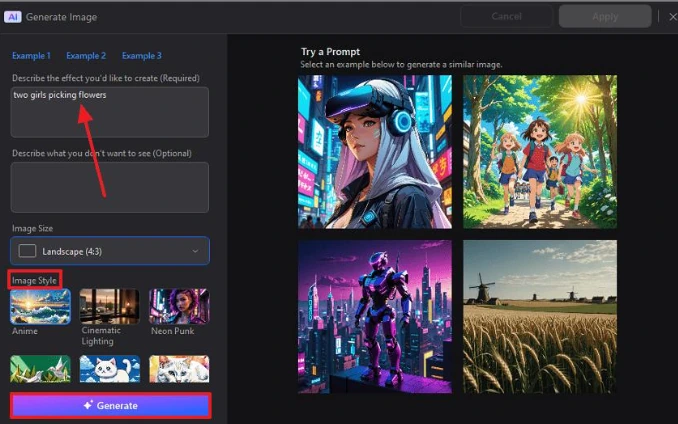
A good prompt does not just say “make this cinematic.” It explains what kind of cinematic look you want: rainy neon street, soft film grain, shallow depth of field, 1990s flash photography, vintage poster lighting or handheld camcorder texture. The more precise the visual direction, the less random the result becomes.
This is especially useful for creators who do not know professional editing terms. Instead of learning complex software, they can describe a scene in plain language. The challenge is that vague prompts often produce generic images. Strong prompts usually include five elements: subject, setting, lighting, texture, mood and what not to overdo.
A simple structure works well:
“Edit this photo into [style] with [setting], [lighting], [texture], [mood], while keeping [identity/detail] natural.”
That structure works across many tools, including ChatGPT image editing and Gemini AI photo editing prompts.
The imperfect film look is still winning
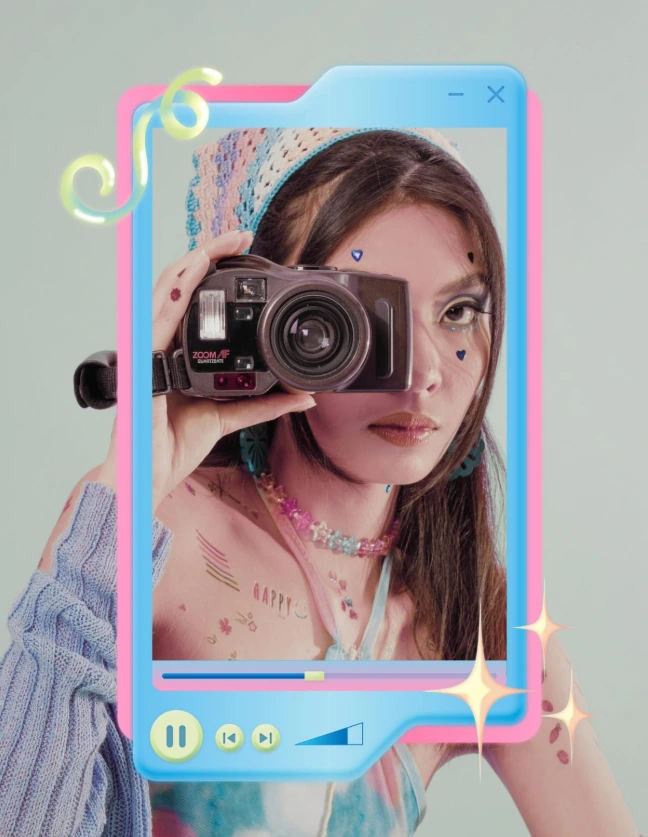
The polished AI portrait is starting to feel too artificial. Many creators now want photos that look older, warmer, damaged or accidental. Film grain, dust, blur, faded colors and light leaks make the image feel less machine-made.
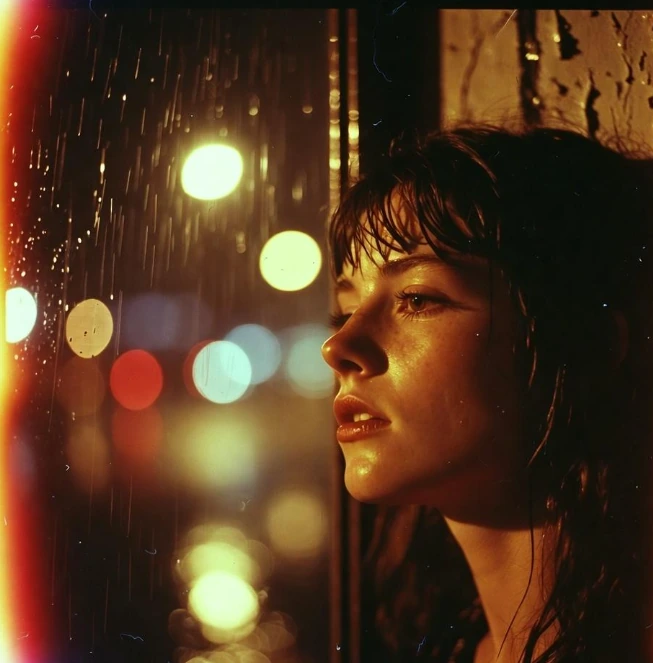
This trend works because imperfection creates emotional credibility. A perfectly sharp AI image can look impressive, but it often feels empty. A slightly blurred “memory” can feel more personal, even if it was created from a modern phone photo.
Prompt to try:
“Turn this photo into a faded late-1990s disposable camera memory. Keep the person recognizable, add soft film grain, tiny scratches, uneven flash lighting, slight motion blur, warm sunset color leakage and a nostalgic mood. Avoid making the face look plastic or overly retouched.”
Best use: portraits, couple photos, travel memories, casual lifestyle shots.
Common mistake: asking only for “vintage style.” That usually creates a generic brown filter. Mention the camera type, decade, flaws and emotional tone.
Gemini AI photo prompt for cinematic time travel
Cinematic time travel is one of the most shareable AI photo styles because it gives an ordinary image a complete world. A portrait can become a 1980s Tokyo street scene, a 1970s studio photo, a Victorian rainy alley or a futuristic cyberpunk frame.
The key is to ask the tool to adapt the subject naturally. Clothing, shadows, background, color grading and props should all match the period. If the subject stays modern while the background changes, the edit feels pasted together.
Gemini AI photo prompt to try:
“Place the person from this photo in a rainy Tokyo street at night in 1986. Keep their facial features consistent, update the outfit to match the era, add neon reflections on wet pavement, vintage shop signs, soft fog, realistic shadows and cinematic 35mm film color grading. Make the scene immersive, not like a costume filter.”
Best use: profile images, story covers, music visuals, travel-style edits.
Common mistake: mixing too many eras. Do not ask for “retro cyberpunk Victorian 90s film” unless surrealism is the goal. One era with strong details works better.
Prompt for ChatGPT photo editing: fake movie posters
Fake movie posters work because they turn a normal portrait into a narrative object. The image no longer says “this is me.” It says “this is a film about me.”
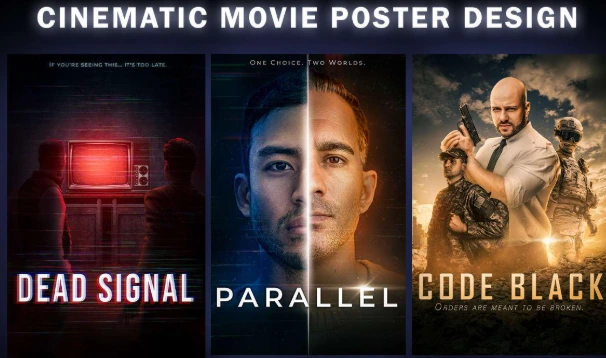
This trend is especially useful for creators, small events, birthday posts, music promo visuals, podcast art and personal branding. It also tests how well the tool handles typography. Some AI image tools still produce messy text, so the prompt should ask for clean, minimal title placement rather than too many fake credits.
Prompt for ChatGPT photo editing:
“Create a dramatic indie movie poster from this portrait. Keep the person recognizable, use moody side lighting, subtle film grain, a dark cinematic background, elegant title typography, a short fictional tagline and balanced poster composition. Leave enough empty space for readable text. Avoid crowded credits and distorted letters.”
Best use: portraits with strong facial expression, musician photos, creator branding.
Common mistake: asking for too many text elements. AI tools are better with short, clear titles than with long credit blocks.
AI action figures and Chibi avatars
Toy-style edits became popular because they are instantly understandable. A person becomes a collectible. The result feels playful, personal and easy to share.
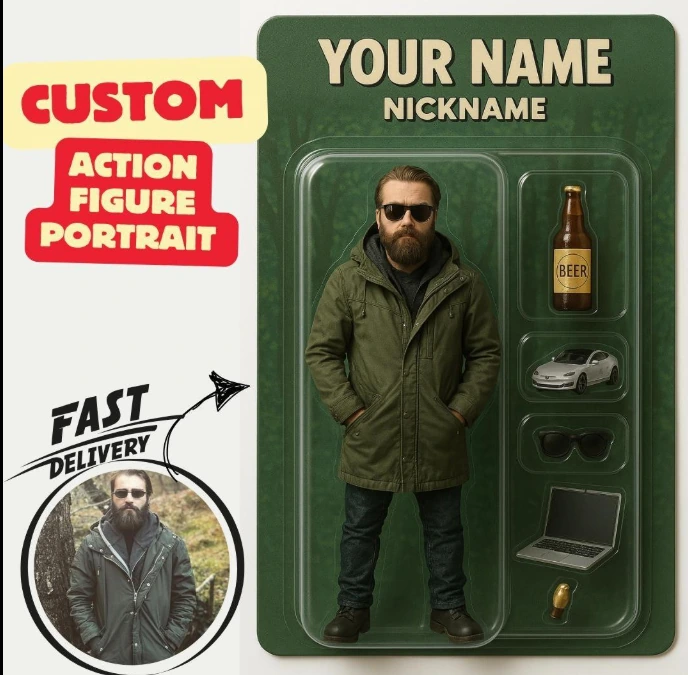
There are two main directions. Action figure prompts work best when you want packaging, accessories and glossy toy textures. Chibi avatar prompts work better for cute, exaggerated characters with large eyes and simplified proportions.
Photo editing prompt for action figure style:
“Transform the person into a premium collectible action figure inside retail packaging. Keep the face recognizable, add glossy plastic texture, realistic miniature accessories related to their style, dramatic studio lighting, a clean product box design and a limited-edition toy display feel. Avoid using real brand logos.”